





3D Rendering vs 3D Modeling: Key Differences, Benefits and Use Cases Explained
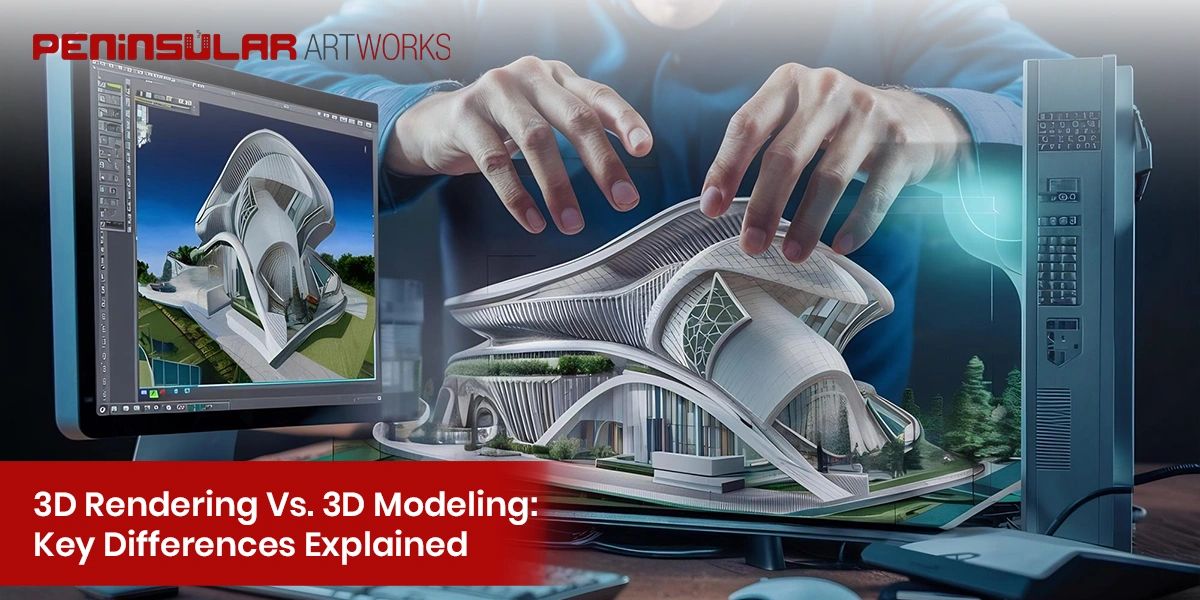
These two terms get used interchangeably all the time, and they really shouldn’t. They’re related, yes, but they refer to completely different stages of the same production process. Knowing the distinction matters whether you’re hiring someone for 3d modeling and rendering services or trying to figure out which skill you actually need to develop. This guide breaks both down clearly.
What Is 3D Rendering? A Simple Explanation
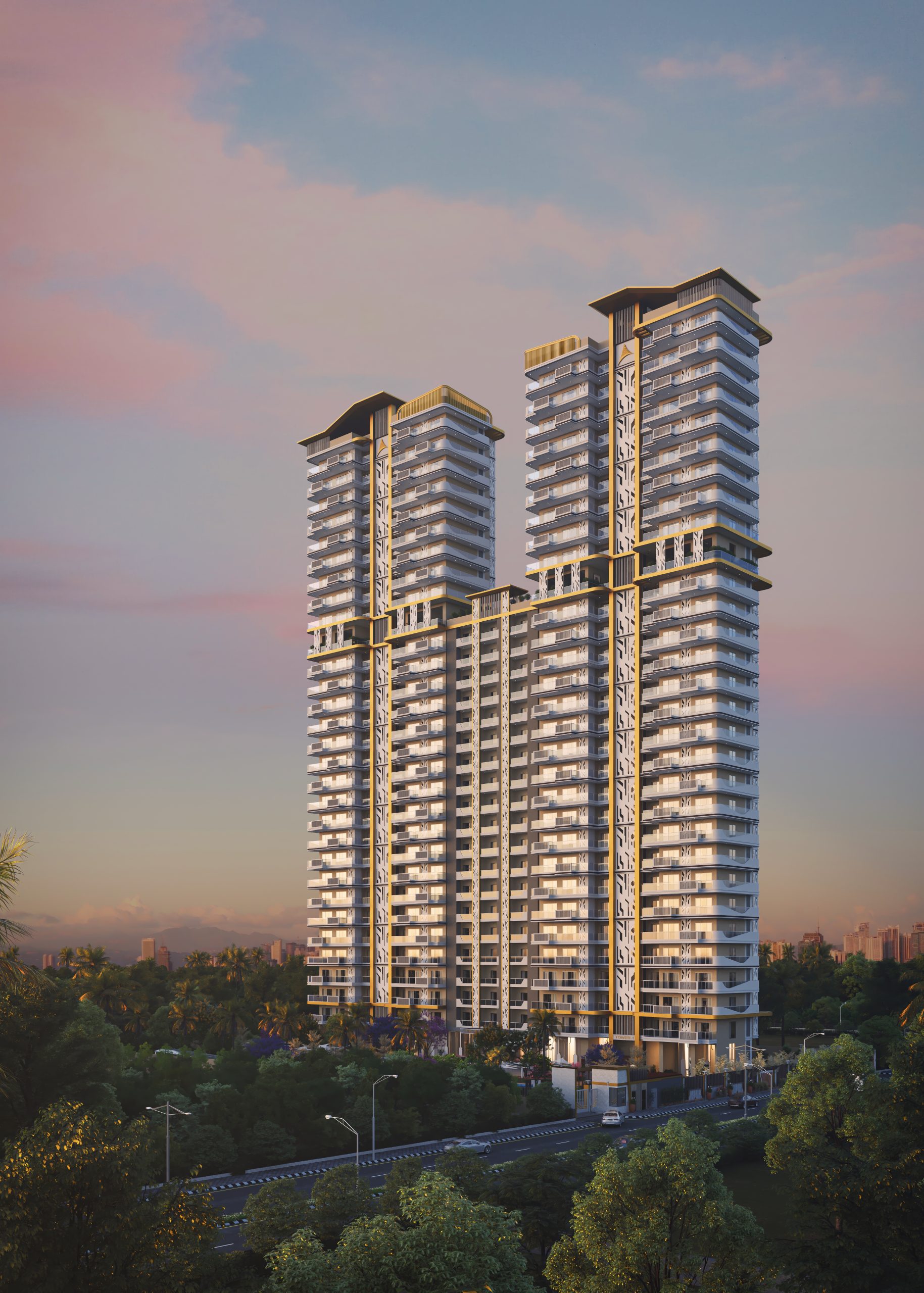
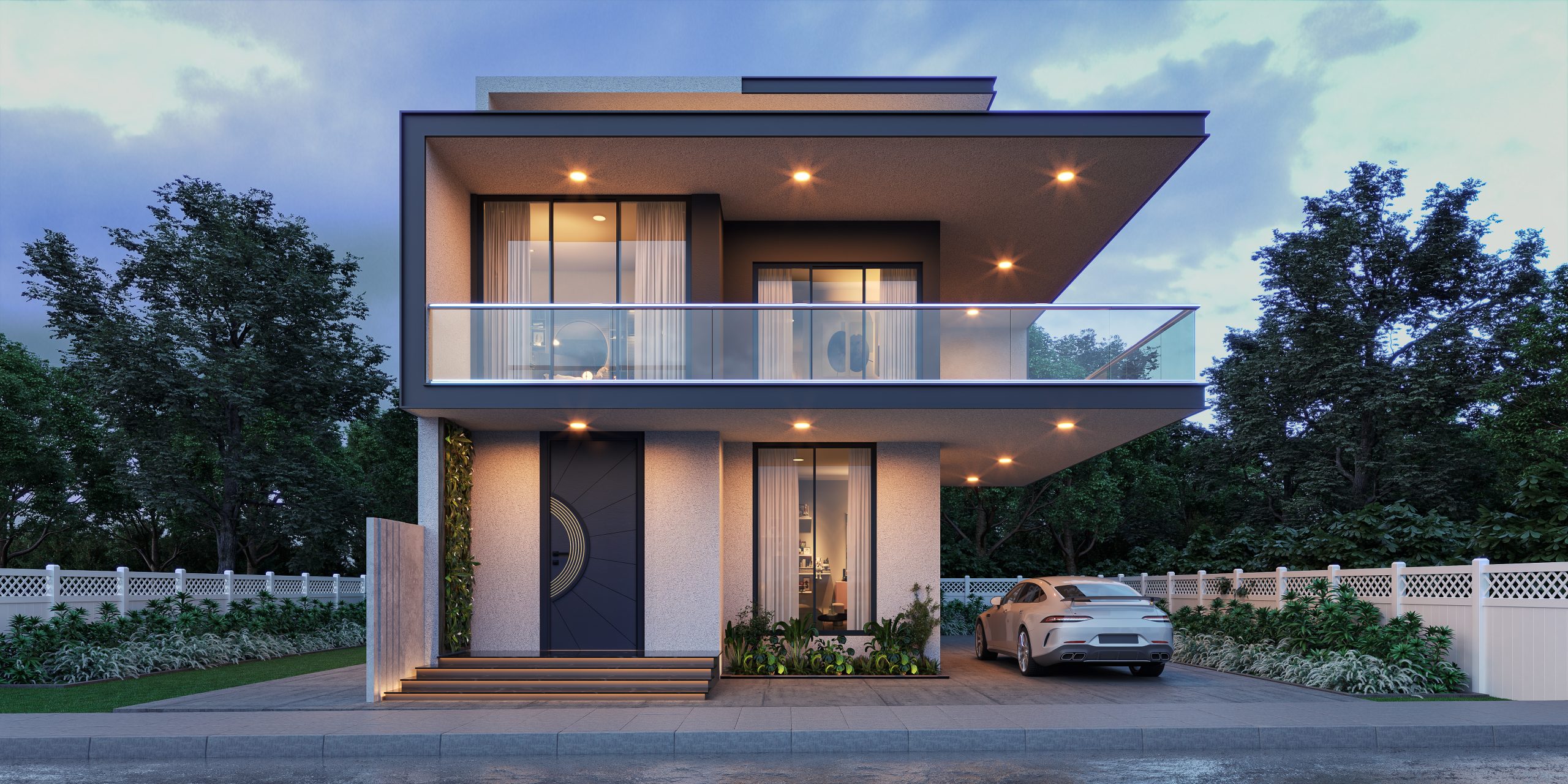
3D rendering is the process of generating a final image from a 3D scene. You take a model, set up lights and camera angles, apply materials, and run it through a render engine. What comes out the other side is a flat image or animation. That’s it. It’s not building anything. It’s photographing a digital scene. Architects, product designers, and studios use rendering to show clients what something will look like before it physically exists. What is 3d rendering, really? It’s digital photography without a physical object.
What Is 3D Modeling? Understanding the Basics
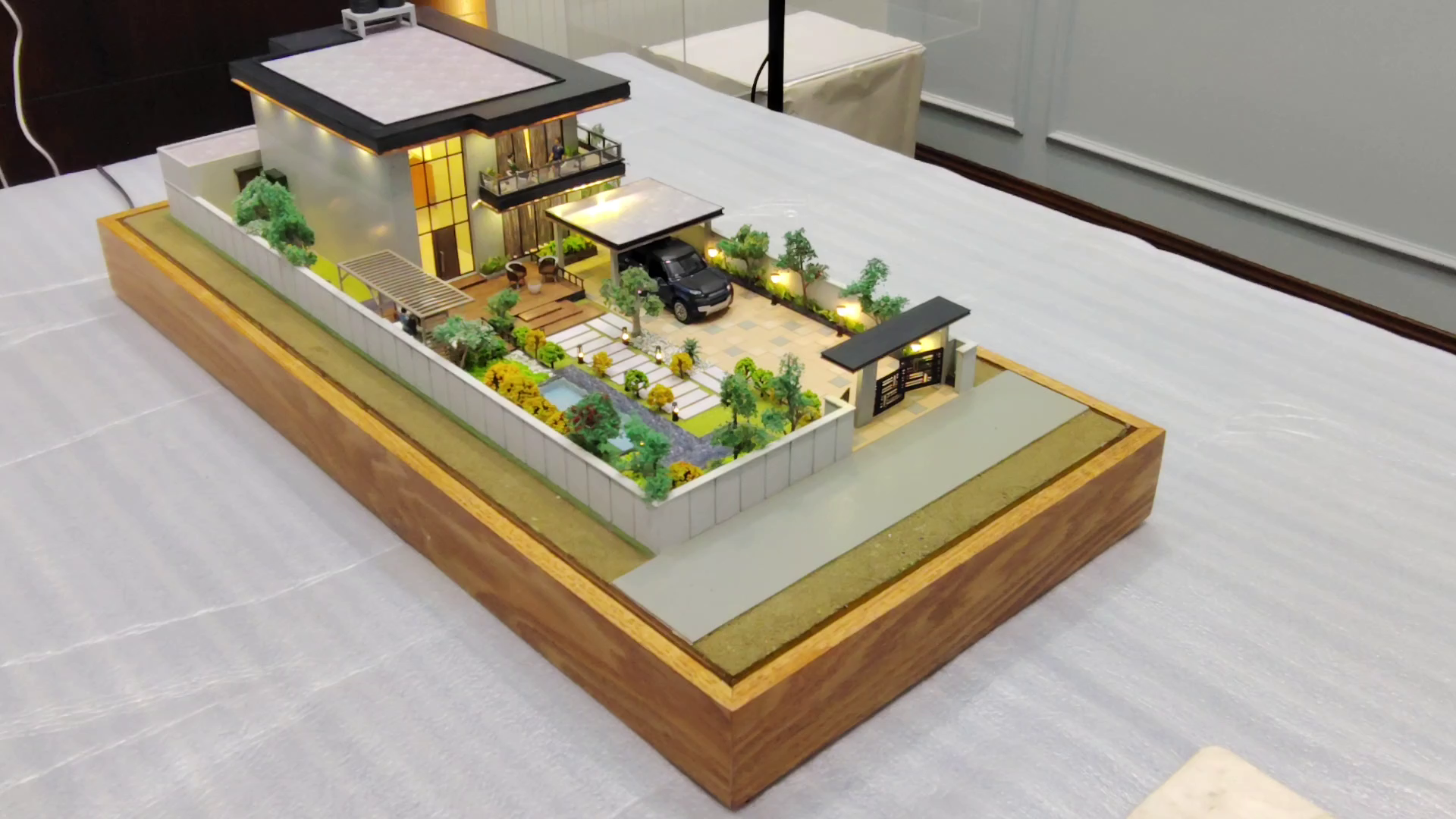
3D modeling is the construction phase. You’re building the object, the room, the character, the product, in three-dimensional digital space. The model is a collection of geometry, surfaces, and sometimes internal structure, depending on what it’s for. What are 3d modeling rates in India and rendering as a combined workflow? Modeling comes first. Always. You can’t render something that doesn’t exist yet. Modelers work in tools like Blender, Maya, 3ds Max, or Rhino, shaping meshes and volumes into whatever the project requires. The result is a file. A scene. Not a picture. The picture comes later, in the rendering stage.
3D Modeling vs 3D Rendering: Similarities Worth Knowing
Both Require Advanced 3D Software Tools
Neither discipline runs on basic software. Both modelers and rendering artists spend serious time inside complex applications. The specific tools differ somewhat but the learning curve for both is steep. You don’t pick this up in a weekend.
Both Play a Crucial Role in Visual Visualization
One without the other doesn’t produce a finished output. A perfectly modeled scene with bad rendering looks amateur. Brilliant rendering applied to a poorly built model falls apart under scrutiny. They depend on each other, which is why the best studios invest in both.
Both Demand Technical and Creative Skills
Modeling requires spatial thinking, patience, and an understanding of form. Rendering requires lighting knowledge, an eye for composition, and material expertise. Both have technical and artistic sides. You can’t be just one or the other and produce professional results.
Both Are Widely Used Across Creative Industries
Architecture, product design, film, gaming, advertising, medical visualization. Both modeling and rendering show up across all of them. The specific application changes but the underlying disciplines are consistent across industries.
3D Rendering vs 3D Modeling: The Major Differences
Output: Model vs Final Image
A model is a file. A render is an image. The model is the raw material. The render is what a client, audience, or stakeholder actually sees. This is the most fundamental difference and it shapes everything about how each discipline is approached and evaluated.
Techniques and Processes Used in Each
Modeling involves polygon manipulation, subdivision surfacing, NURBS, sculpting, and UV mapping. Rendering involves lighting setups, shader creation, ray tracing or path tracing, camera configuration, and post-production. The skillsets overlap in parts but they’re genuinely distinct specialisations in a professional environment.
Essential Skills for 3D Modeling
- Geometry and mesh construction
- UV unwrapping and topology planning
- Proportional and spatial reasoning
- Reference gathering and interpretation
- Software proficiency: Blender, Maya, 3ds Max, Rhino
- Understanding how models will be used (game, film, print, VR)
Key Skills for 3D Rendering
- Lighting design and HDRI usage
- Material and shader creation
- Render engine configuration: V-Ray, Arnold, Corona, Cycles
- Camera composition and depth of field
- Post-production in Photoshop or After Effects
- Understanding colour grading and output formats
Workflow Order: Modeling Comes First
This table shows the typical workflow. Modeling always precedes rendering. They can overlap in later stages but the sequence is consistent.
| Step | 3D Modeling | 3D Rendering |
| 1 | Gather references and brief | Receive or finalize the 3D model |
| 2 | Block out basic geometry | Set up lighting and camera angles |
| 3 | Add detail and surface topology | Apply materials and textures |
| 4 | Apply UVs and prepare for export | Configure render settings and engine |
| 5 | Hand model to rendering team | Run test renders and adjust |
| 6 | Revise model based on feedback | Final render and post-production |
How 3D Models Can Be Reused for Multiple Render Outputs
One of the genuinely useful things about building a solid 3D model is that it doesn’t expire after one render. The same model can be lit differently for a day scene and a night scene. It can be placed in a different environment. The materials can be swapped to show different finishes or colourways. This is why studios investing in quality 3D modeling and rendering services treat the model as a long-term asset rather than a single-use file. A well-built architectural model, for instance, can be rendered for marketing materials, planning submissions, client walkthroughs, and social content, all from the same source file.
For architectural 3d rendering services specifically, this reusability is a significant part of the value proposition. Studios like Peninsular Art Works build models that serve multiple output needs across a project’s lifecycle rather than starting fresh for each deliverable.
Tips to Simplify Your 3D Modeling and Rendering Workflow
- Plan the render output before modeling: know if it’s for print, animation, or real-time
- Keep polygon counts efficient; more geometry isn’t always better
- Name and organise layers and objects from the start, not at the end
- Use reference images throughout modeling, not just at the brief stage
- Set up lighting early in the render process to catch material issues sooner
- Save incremental model versions rather than overwriting one master file
- Run low-quality test renders frequently rather than waiting for a final pass
- Separate your render passes for more flexibility in post-production
3D Rendering vs 3D Modeling: Which One Do You Actually Need?
Depends entirely on where you are in the production process. If the object or space doesn’t exist in 3D yet, you need modeling first. Full stop. Rendering has nothing to work with until there’s a model. If you already have 3D files and need to produce final images or animations from them, that’s a rendering brief. In many projects you need both, either from the same team or coordinated between specialists. For businesses or studios looking to outsource, clarifying which stage you actually need saves time and budget. A lot of clients asking for 3d rendering come to a studio without a model and are surprised to learn they’re actually starting at the modeling stage.


