






How Long Does 3D Rendering Take? A Complete Guide
Deadlines and rendering rarely move at the same speed. That’s just how it goes. Someone asks for a quick 3D visual, and the next question is always about timing. How long will it take? The honest answer is that it depends on several moving parts. A simple still image might be ready in a few days. A detailed scene or animation can take weeks.
Many businesses exploring architectural 3d rendering services want a clear timeline before they commit. That makes sense. Budgeting and launch planning become simpler when you understand what to expect. So, let’s simplify and discuss what really affects the time it takes to render.
What Factors Affect 3D Rendering Time?
The time it takes to render an image depends on the level of details that image contains. A small room with less lighting will render faster than a whole commercial image with landscape, reflection, and texturing. More objects mean more data. More data means longer processing.
The quality level also plays a big role. High resolution images, realistic shadows, and advanced lighting setups take more computing power. The software and hardware being used matter too. A strong workstation handles tasks faster than an average laptop. Deadlines often cause teams to optimize settings, but sometimes quality is compromised when rushed.
Another consideration is file preparation. When 3D files come in messy or incomplete, someone has to clean them up before they can be used. That adds time before rendering even begins.
Why 3D Rendering Takes Longer When You Do It Yourself
Doing it yourself sounds cost effective at first. Many people try. Then reality sets in. Learning professional 3D software takes time. Even experienced designers can spend hours adjusting lighting and materials to get a realistic look.
Hardware limitations slow things down too. Rendering demands strong processors and graphics cards. A personal computer may overheat or crash during heavy scenes. Then you restart. And wait again.
There is also the trial and error stage. Professionals know which settings work best. Beginner’s experiment. That experimentation adds hours or even days. So DIY projects often stretch longer than expected.
The 3D Rendering Project Timeline Explained
A typical 3D rendering project follows clear stages. First comes briefing and file collection. Designers need floor plans, elevations, reference images, and material details. Missing information delays everything.
The next step is modeling and scene setup. In this you will add furniture, lighting, textures, and environment objects. The process of draft rendering starts after this. The clients will then review previews and will request for adjustments.
Final rendering happens only after approvals. Then post production polishing is done. Small color tweaks, contrast corrections, minor enhancements. Altogether, a standard still image project can take anywhere between three days and two weeks. Larger projects may extend further.
How Long Does Architectural 3D Rendering Take?
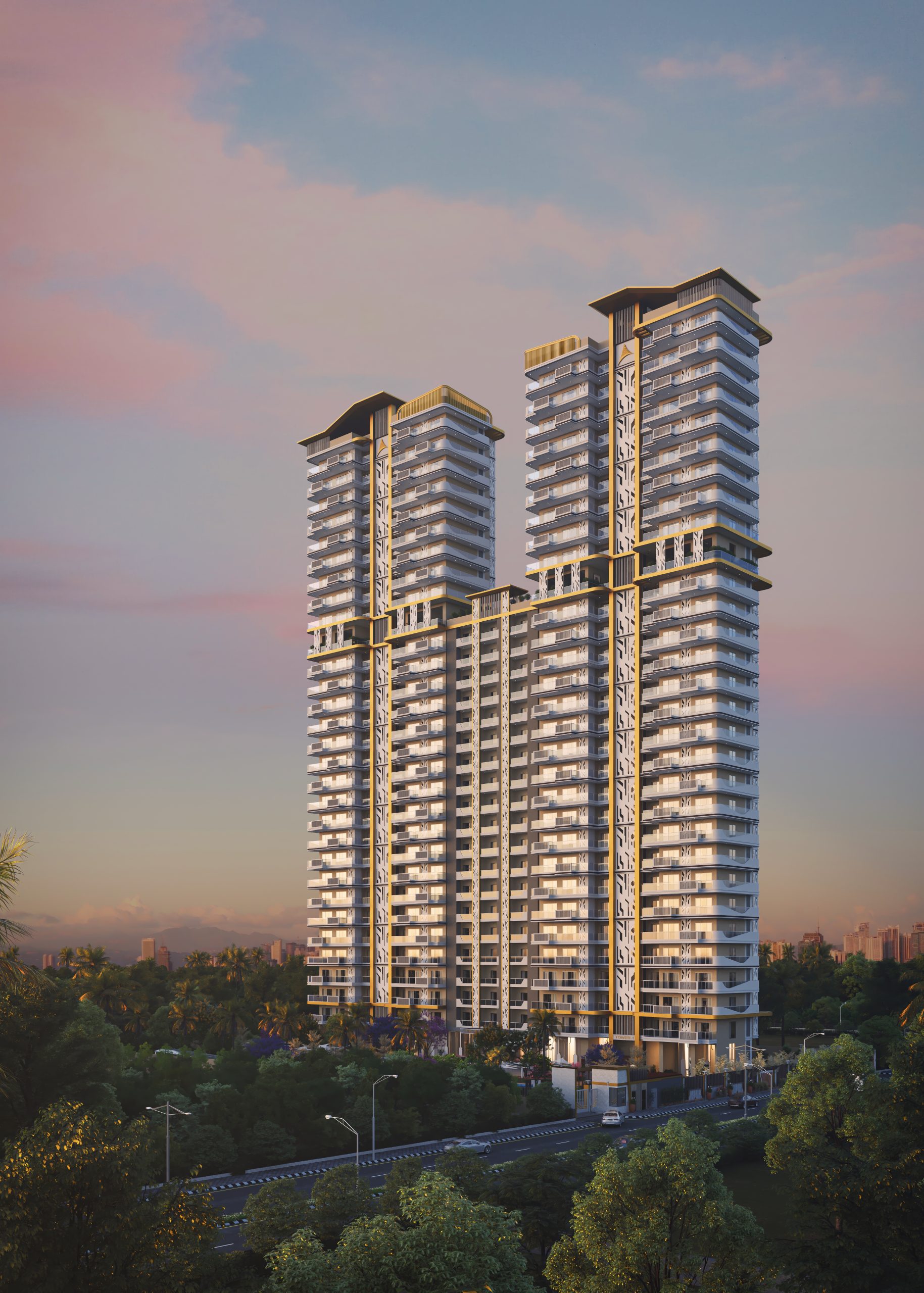
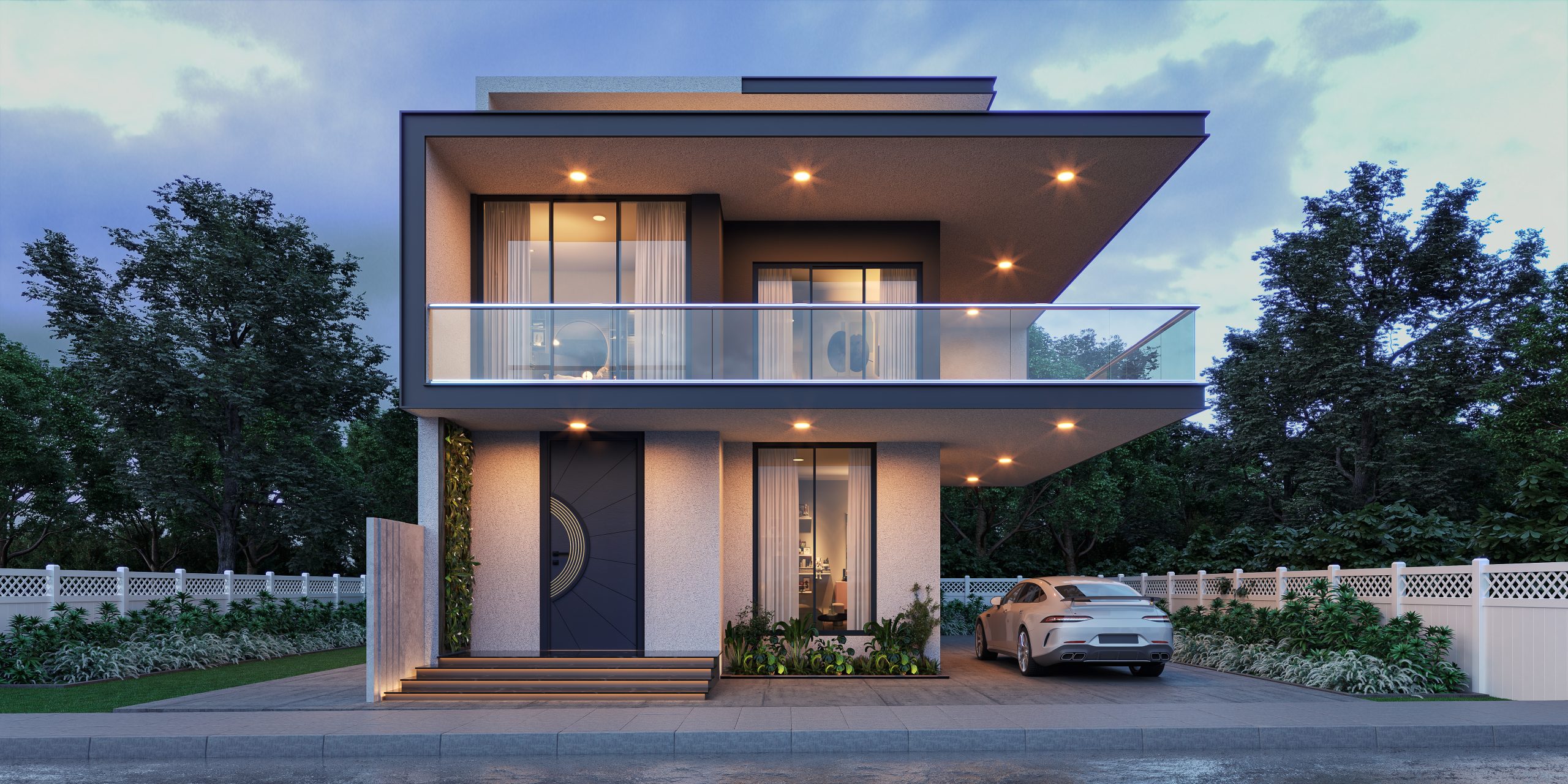
Time varies based on scope. A single exterior house image may take five to seven working days if files are clean and feedback is quick. A complex residential tower with landscaping and night lighting could take two to three weeks.
Architectural 3D rendering often requires precision. Materials must match real life finishes. Lighting should reflect actual sun direction. Surroundings need context, like roads or greenery. These details take patience.
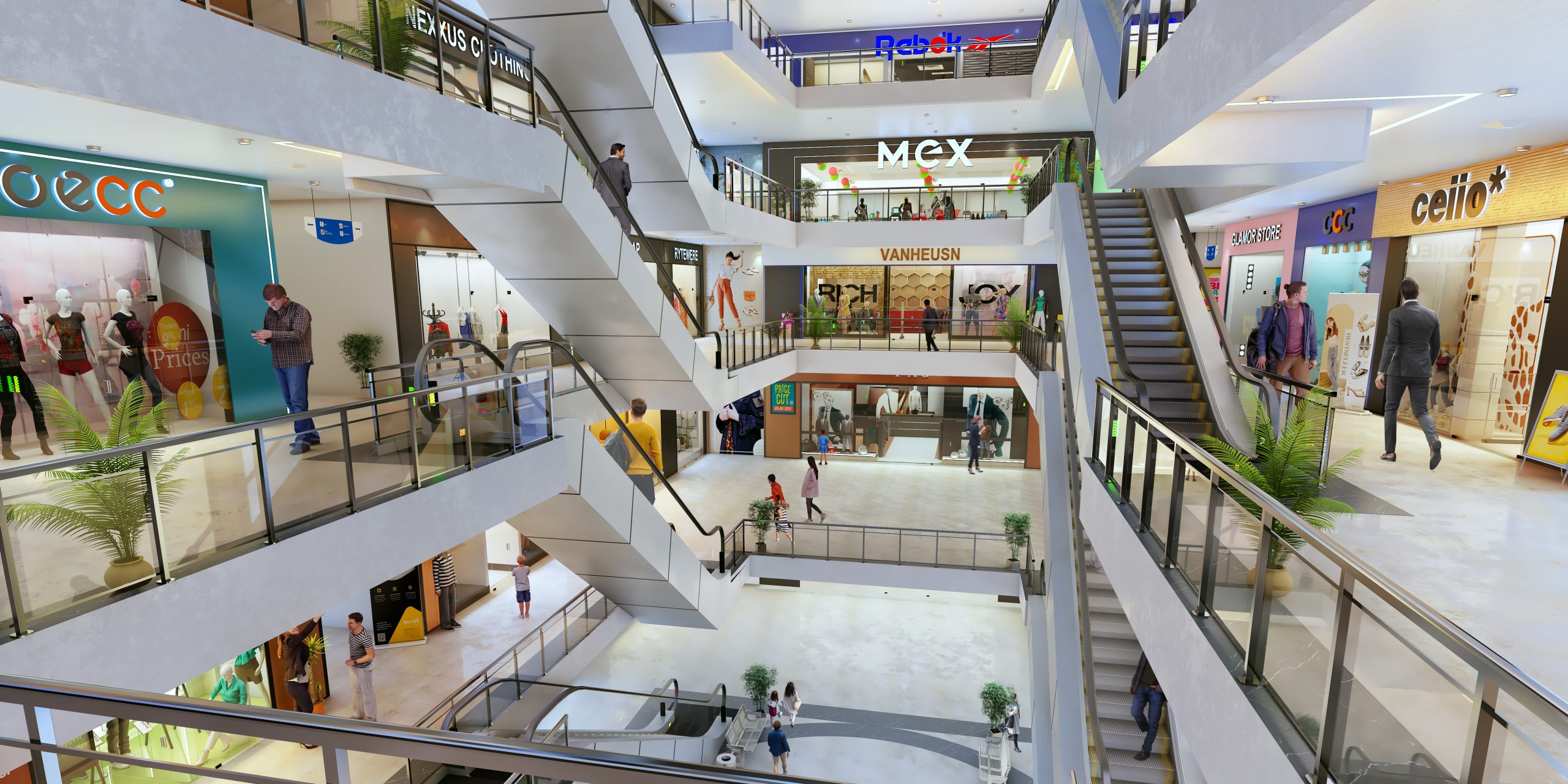
Interior renders usually move slightly faster than large exterior developments, but not always. High end interiors with luxury materials can take just as long because textures and reflections must look realistic.
How Level of Detail Impacts Rendering Speed
Detail changes everything. Basic models with flat colors render quickly. Add reflections, glass transparency, soft shadows, and high resolution textures, and render time increases sharply.
Furniture models with intricate geometry slow processing. So do plants, fabrics, and decorative elements. Every extra object adds weight to the scene.
Lighting settings also affect speed. Global illumination and realistic ray tracing increase image quality but increase computing cycles. So yes, more realism equals more waiting. That trade off is always there.
How Revisions and Client Feedback Affect Turnaround Time
Revisions are normal. No project goes straight to final output without adjustments. The issue is timing of feedback. Quick responses keep projects moving. Delayed approvals stretch timelines.
Major design changes take longer than minor tweaks. Changing wall color is fast. Rebuilding an entire facade is not. Late changes sometimes mean restarting rendering from scratch.
Clear communication helps. When instructions are specific, fewer revision rounds are needed. That alone can save days.
How Long Does 3D Animation Rendering Take?
Animation multiplies everything. Instead of one image, you render hundreds or thousands of frames. A 30 second animation at 30 frames per second equals 900 frames. Each frame renders separately.
If one frame takes five minutes, the total time grows quickly. That’s why animation projects often take several weeks. Complex camera movements, dynamic lighting, and environmental effects increase processing time even more.
Short walkthroughs of small spaces may take two to three weeks. Large commercial developments with detailed animation can take over a month. Planning becomes critical here.
How Professional Studios Speed Up the Rendering Process
Professional studios usually use render farms. These are groups of high-performance computers networked together. Instead of one computer processing a scene, dozens are working on it simultaneously. That dramatically reduces waiting time.
Studios also follow structured workflows. They standardize file preparation, lighting setups, and quality checks. That removes unnecessary trial and error.
Here experience matters a lot. The skilled teams know how to optimize scenes without compromising quality. They carefully change the sizes of textures, keep track of the number of polygons, and fine-tune the lighting settings. These small technical choices save significant time.
How to Get an Accurate 3D Rendering Quote and Timeline
To decide an accurate timeline you will need to have the project information in detail. For that it is recommended to provide clear drawings, dimensions, and material references. Apart from that also mention resolution requirements and deadlines upfront.
Discuss revision limits in advance. Clarify how many draft rounds are included. This avoids confusion later.
Ask about rendering style too. Photorealistic visuals take longer than conceptual sketches. You can share examples of desired quality that will help studios estimate correctly. With honest communication you can reduce surprises on both sides later on.
Tips to Reduce 3D Rendering Time Without Sacrificing Quality
- Provide complete and organized project files at the start
- Confirm camera angles early to avoid major resets
- Limit unnecessary design changes after approval
- Choose realistic deadlines based on project scale
- Approve drafts promptly to keep momentum
- Use consistent material references to avoid guesswork
- Discuss final resolution needs instead of over specifying
Small steps like these make a noticeable difference.
Choosing the Right 3D Rendering Partner for Faster Delivery
A choice of the correct team impacts on the time schedule more than they think, especially when considering 3d rendering price in India. The seasoned operators of architectural 3d rendering services know how to work efficiently. They also think ahead, expect revisions and are prudent when managing computing tools.
Find teams which communicate effectively and have manageable expectations. Rapid delivery cannot indicate hasty quality. Fast delivery should not mean rushed quality. Ask about hardware capabilities and revision processes. Transparency usually signals reliability.
Rendering time will never be identical for every project. There are too many variables. Still, with proper planning and the right partner, timelines become predictable. And that makes project management much easier in the long run.


